A Wix SEO checklist for small business sites
 Mosaddik Billah 3 min read
On this page
Wix takes care of the technical basics: your site gets a sitemap, secure HTTPS and pages Google can read. What it can’t do is decide what each page is about or who it’s for. This checklist covers the parts that are up to you, in the order I’d do them.
1. Decide what each page should rank for#
Before changing settings, write down one main search phrase per page, the way a customer would type it. For example:
- Home page: “wedding photographer in Dhaka”
- Service page: “newborn photo shoot Dhaka”
- Contact page: your business name
One clear topic per page works better than one page trying to rank for everything. If you offer several services, give each its own page.
2. Page titles and descriptions#
Open a page in the editor, then Page settings → SEO basics. For each page:
- Title tag: the main phrase plus your brand, under about 60 characters. “Newborn Photo Shoots in Dhaka | Studio Name” is better than “Services”.
- Meta description: one or two sentences that make someone want to click, under about 155 characters. Google doesn’t always use it, but when it does, it’s your advert in the results.
3. Clean URLs#
In the same panel, set a short, readable URL slug: /newborn-photography rather than /copy-of-services-2. If you change the URL of a page that’s already indexed, Wix offers to create a 301 redirect from the old address. Accept it, so visitors and Google aren’t sent to a missing page.
4. Headings and content#
- One H1 per page that says what the page is about, usually your main phrase in natural words.
- H2s for sections, such as “What’s included”, “Prices” and “Questions”.
- Answer real questions. A short FAQ with the questions customers actually ask often brings in searches you didn’t plan for.
- Write for people first. Repeating a phrase ten times doesn’t help; explaining your service clearly does.
5. Image alt text#
Click each image and add alt text describing what it shows: “Newborn baby asleep in a knitted basket”, not “IMG_4021”. It helps visually impaired visitors and Google Images.
6. Connect Google Search Console#
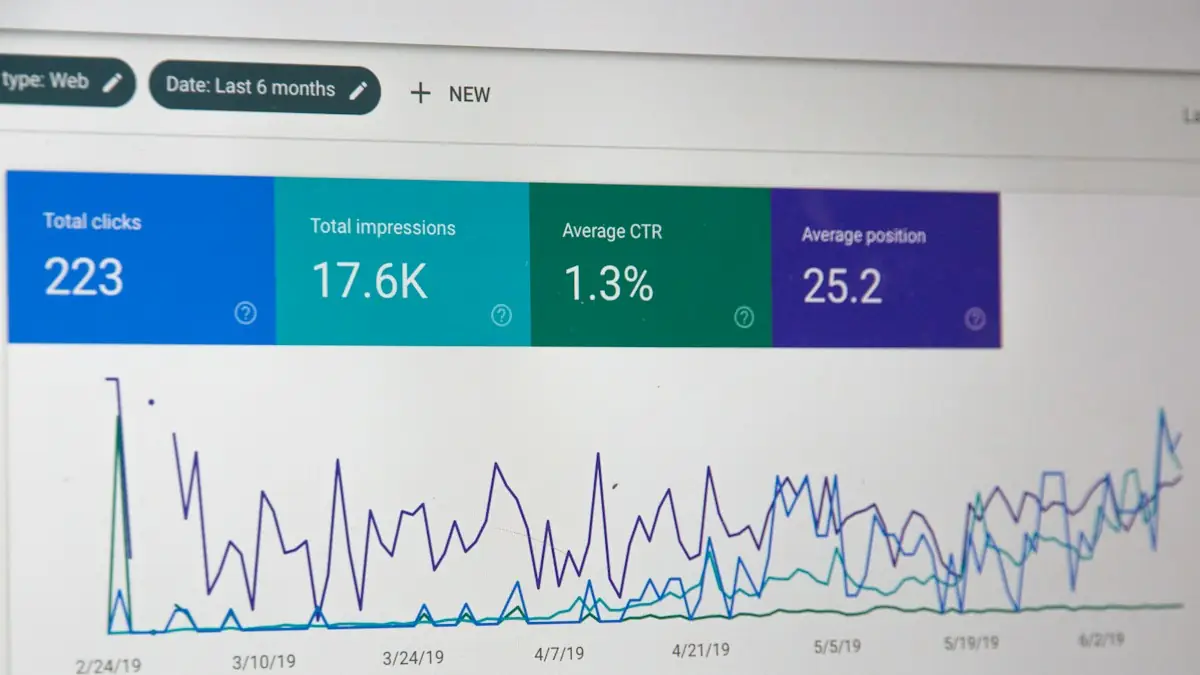
Search Console shows which searches bring people to your site and warns you about problems. In your Wix dashboard, open Marketing & SEO → SEO and follow the steps to connect Google Search Console. Wix verifies the site and submits your sitemap for you.
After that, check it once a month:
- Performance: which phrases you appear for, and which pages get clicks.
- Pages: any pages Google couldn’t index, and why.
7. Local SEO#
If you serve customers in a particular city:
- Create or claim your Google Business Profile and link it to your site.
- Use the same business name, address and phone number on your site, your profile and any directories.
- Mention the areas you serve on your pages, in normal sentences.
- Ask happy customers for Google reviews.
8. Speed and mobile#
Most searches happen on phones, and slow pages lose visitors before they read anything. Check your main pages with PageSpeed Insights on mobile. If the results are poor, see why your Wix site is slow, and how to fix it.
9. Keep adding useful pages#
Sites that grow tend to rank better than sites that never change. A short article that answers one customer question, a page for each new service, or a case study of a recent project each gives Google another way to find you.
What to expect#
SEO takes time. New pages often take a few weeks to settle in the results, and competitive phrases take longer. Make the changes above, check Search Console monthly, and keep improving the pages that are close to the first page.
If you’d like a Wix site built with SEO in mind from the start, I do Wix website design.
Comments