How to write title tags and meta descriptions that get clicks
 Mosaddik Billah 5 min read
On this page
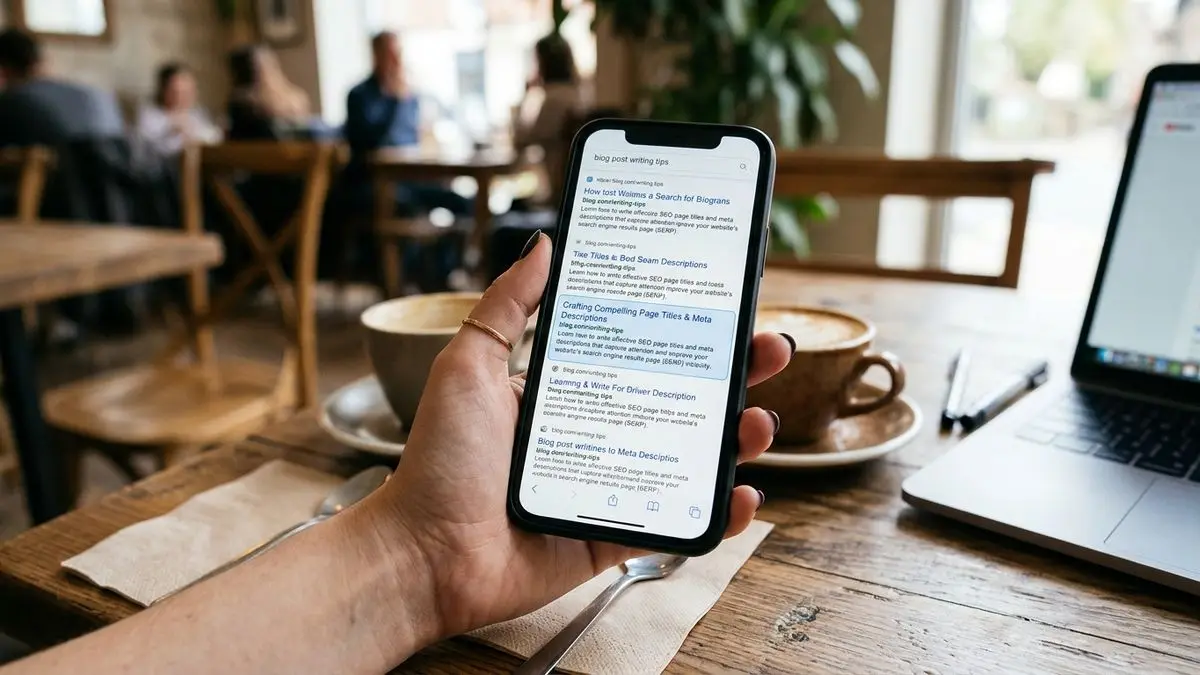
Your page title and meta description are your advert in Google. They’re usually the first thing a searcher reads about your site, often before they’ve ever heard of you. A page can rank on the first page and still get almost no clicks because its title is vague and its description says nothing useful.
They’re also one of the quickest SEO fixes there is: no new content, no developer, just better words in two fields. Here’s how I write them.
What each one does#
- Title tag: the clickable blue headline in search results, and the text in the browser tab. Google uses it as a strong hint about what the page is about, so it matters for ranking and for clicks.
- Meta description: the one or two lines of grey text under the title. Google has said for years that it doesn’t use it for ranking. Its job is purely to persuade someone to click.
Neither appears on the page itself. On Wix you set them per page under SEO basics in the page settings; on WordPress, an SEO plugin like Yoast or Rank Math adds the fields. The Wix SEO checklist shows where everything lives on Wix.
Writing a good title#
1. Lead with what the searcher typed. Think about the words someone would actually search, and put them near the start. “Wedding photographer in Sylhet” beats “Capturing Your Special Moments | Studio Name”, because nobody searches for “capturing your special moments”.
2. Be specific. Numbers, places, the year (only if the content really is updated for it), the kind of thing they’ll get:
- Vague:
Services - Specific:
Wix Website Design for Small Businesses | Studio Name
3. Keep it to roughly 50–60 characters. Google cuts titles off by pixel width, not an exact character count, and adds “…” at the end. Wide letters (W, M) use more space than narrow ones. Put the important words first, so if anything is cut, it’s your brand name at the end.
4. Brand at the end, not the start, except on your homepage, where the brand is the point: Studio Name: Wedding Photography in Sylhet.
5. Every page gets its own title. Duplicate titles (“Home | Studio Name” on five pages, or every blog post called “Blog”) make it hard for Google to tell your pages apart, and they look careless in results. A templated title on a CMS page is fine as long as it includes something unique, such as the product or listing name.
6. Match the page. If the title promises “10 examples” and the page has three, people come back to Google straight away. That’s worse than not getting the click.
Writing a good meta description#
1. Answer “why click this one?” In one or two sentences, say what the reader gets: the answer, the price range, the service area, the free quote. Write it for a person, not a search engine.
2. Aim for about 120–155 characters. Longer descriptions get cut off, and on phones the visible space is shorter still, so the first 120 characters should make sense alone.
3. Include the main search phrase naturally. Google often bolds the words that match the search, which draws the eye. Don’t stuff it with keywords; one natural mention is enough.
4. Add a reason to choose you: a detail competitors don’t mention. “Fixed prices, delivered in two weeks” or “with code you can copy” is more useful than “high quality and great service”, which everyone says.
5. No duplicates, no blanks. If you leave it empty, Google picks a sentence from the page, often a random one.
Examples from real kinds of pages#
A local service page
- Title:
Plumber in Dhanmondi: Same-Day Repairs | FixRight - Description:
Leaking pipes, blocked drains and bathroom fittings fixed the same day in Dhanmondi. Upfront prices, no call-out fee. Call or book online.
A product page
- Title:
Handmade Leather Wallet, Slim Bifold | Craft & Co - Description:
A slim bifold wallet hand-stitched from full-grain leather. Holds 6 cards and cash, fits a front pocket. Free delivery across Bangladesh.
A blog post
- Title:
SQL Joins Explained with Examples (INNER, LEFT, FULL) - Description:
How SQL joins work, using a small shop database: INNER and LEFT joins, finding missing rows, many-to-many, and two mistakes that give wrong totals.
That last one is the real title and description of my SQL joins post. Notice the pattern: the search phrase first, then the specific things the reader gets.
Google won’t always use yours#
Google sometimes rewrites titles and often writes its own snippet instead of your meta description, especially when it thinks a different part of the page answers the specific search better. That’s normal and not a penalty.
You make it less likely by keeping the title accurate and not too long, avoiding keyword stuffing and boilerplate, and making the page’s main heading (h1) agree with the title. Even when Google does rewrite, your version is still used for plenty of other searches, and for social shares, so it’s never wasted effort.
Which pages to fix first#
Don’t rewrite every title on the site in one go. Start where it pays:
- Open Google Search Console → Performance, last 3 months.
- Sort the Pages tab by impressions.
- Look for pages with lots of impressions but a low CTR (click-through rate). They already appear in search; people just aren’t choosing them. Those are your first rewrites.
- Change the title and description, write down the date, and compare the CTR a month later.
Changes can take a few days to a few weeks to show in results, depending on how often Google re-crawls the page. Using URL Inspection to request indexing can speed it up for important pages.
A quick checklist#
- Main search phrase near the start of the title
- Title around 50–60 characters, brand at the end
- Description around 120–155 characters, written to earn the click
- Every page has a unique title and description
- Title and
h1say the same thing in different words - The page delivers what the title promises
If you’d like your site’s titles, descriptions and the rest of its SEO set up properly, I do Wix website design with SEO built in.
Comments